Mobile-First Design for Small Businesses
Most of your customers browse on phones. Learn how to structure your site so it looks great on mobile first, then scales up beautifully on larger screens.


Why Mobile-First Matters Today
Here’s the reality: over 75% of your potential customers will visit your website on a phone. That’s not a trend anymore — it’s the baseline. Yet many small businesses still design their sites for desktop first, then squeeze everything down for mobile. That approach creates frustrating experiences that make visitors leave.
Mobile-first design flips this thinking. You start with the phone experience, build it clean and simple, then expand features as screen space allows. It’s not just about fitting content into a smaller box — it’s about rethinking what matters most to your customers.
The best part? When you design mobile-first, your desktop version naturally becomes cleaner and more focused. You’re forced to cut out the clutter because mobile won’t tolerate it.
Key Mobile-First Principle
Start with the smallest screen. Design for 320px width first. Then add features, whitespace, and complexity as you expand to tablets and desktops. This forces you to prioritize what truly matters to your business.
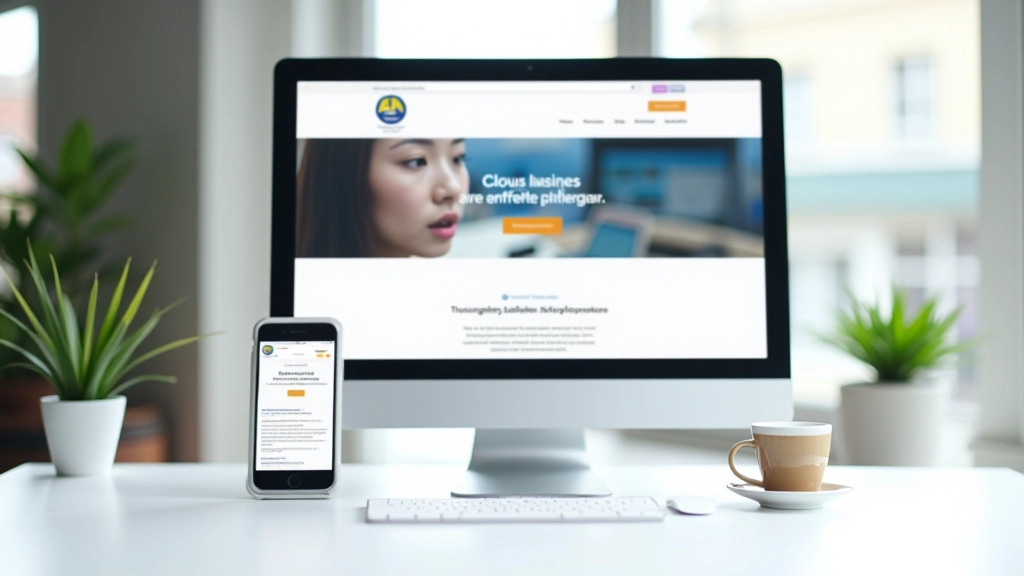
The Three-Breakpoint Approach
You don’t need to build a hundred different versions. Most small business sites work beautifully with just three breakpoints:
- Mobile (320-640px): Single column, thumb-friendly buttons, stacked navigation. Everything loads fast because you’re not loading huge images.
- Tablet (641-1024px): Two-column layouts start working here. You can show more information side-by-side without cramping.
- Desktop (1025px+): Full-width experiences with multi-column layouts, expansive navigation, larger imagery.
The trick is building your CSS to start simple on mobile, then layer in complexity. It’s faster to load, easier to code, and users get better experiences at every screen size.
How to Implement Mobile-First on Your Site
Follow these practical steps to rebuild or redesign your existing website with mobile-first thinking.
Audit Your Current Site on Mobile
Open your website on an actual phone. Not a browser emulator — a real device. Scroll through, tap buttons, try to fill forms. What’s frustrating? What takes extra scrolling? What text is too small? Write it down. This becomes your roadmap.
Simplify Your Navigation
Mobile screens aren’t wide enough for 7-item horizontal menus. Use a hamburger menu (three horizontal lines) that expands when tapped. Keep it to 5-7 main items. Each item should lead somewhere useful, not to another menu.
Optimize Images for Speed
Large images kill mobile speed. Use responsive images that serve smaller versions to phones and larger versions to desktops. A phone doesn’t need a 2000px-wide hero image — 600px looks great and loads in milliseconds instead of seconds.
Make Forms Mobile-Friendly
Big form fields with small tap targets frustrate everyone. Make buttons at least 44×44 pixels (Apple’s minimum). Use input types that trigger mobile keyboards — email inputs show @ symbol, number inputs show number pad. Fewer fields means more submissions.
Real Impact on Your Business
We’ve worked with over 150 small businesses in Hong Kong who redesigned their sites with mobile-first thinking. The results are consistent: faster load times, lower bounce rates, more conversions. One e-commerce client saw a 34% increase in mobile purchases after their mobile-first redesign. A service business watched phone inquiries double because their contact form actually worked on mobile.
It’s not magic. It’s just that when you respect how people actually use phones — quick scrolls, one-handed browsing, occasional taps — they’re more likely to stay on your site. And staying means buying, inquiring, or recommending you to friends.

Getting Started This Week
You don’t need a complete redesign to start thinking mobile-first. Pick one page on your site — your homepage or your most important service page. Open it on your phone. Make three improvements: simplify the navigation, make buttons bigger, or optimize one large image. Test it. See how it feels.
Mobile-first isn’t a technical burden — it’s a clarity tool. When you design for the smallest screen first, everything else gets easier. Your message becomes sharper. Your customers’ experience becomes smoother. And your business benefits from people who can actually use your site the way they want to use it.
Ready to Learn More?
Explore our complete guide on responsive design patterns and see how other businesses transformed their mobile experience.
Explore More CoursesEducational Note
This article provides educational information about mobile-first design principles and best practices. Implementation details and results may vary based on your specific business needs, technical environment, and audience. We recommend testing any changes thoroughly on actual devices before deploying to production. Results mentioned in this article represent examples and are not guaranteed outcomes for every business.